
Integrations
Linking your Spott account
How to link your Spott account to Wintro?
Instructions
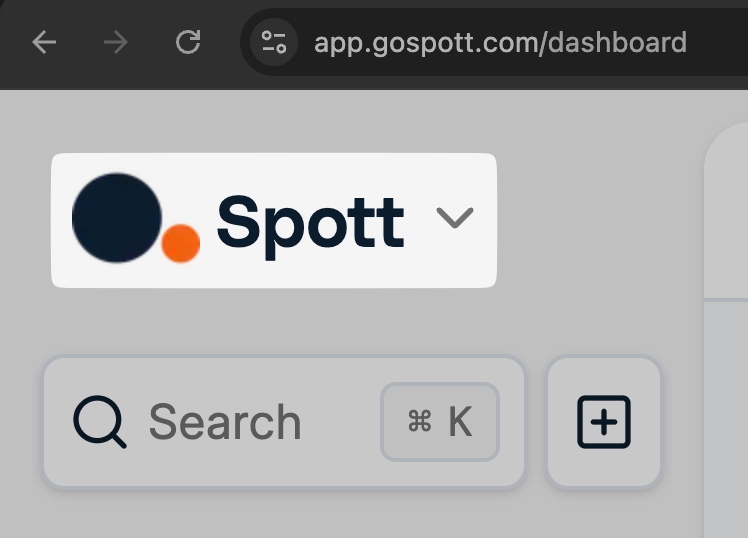
- Log in to your Spott dashboard at app.gospott.com
- Click the Spott logo in the top left corner
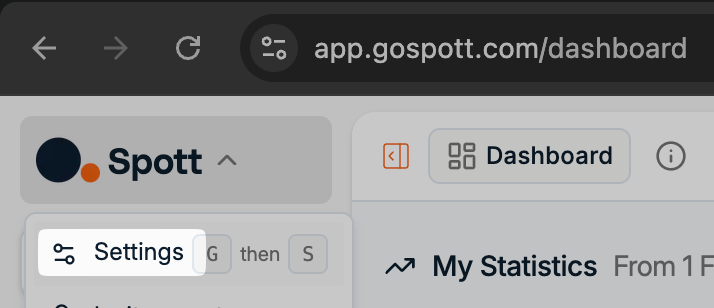
- Click “Settings”
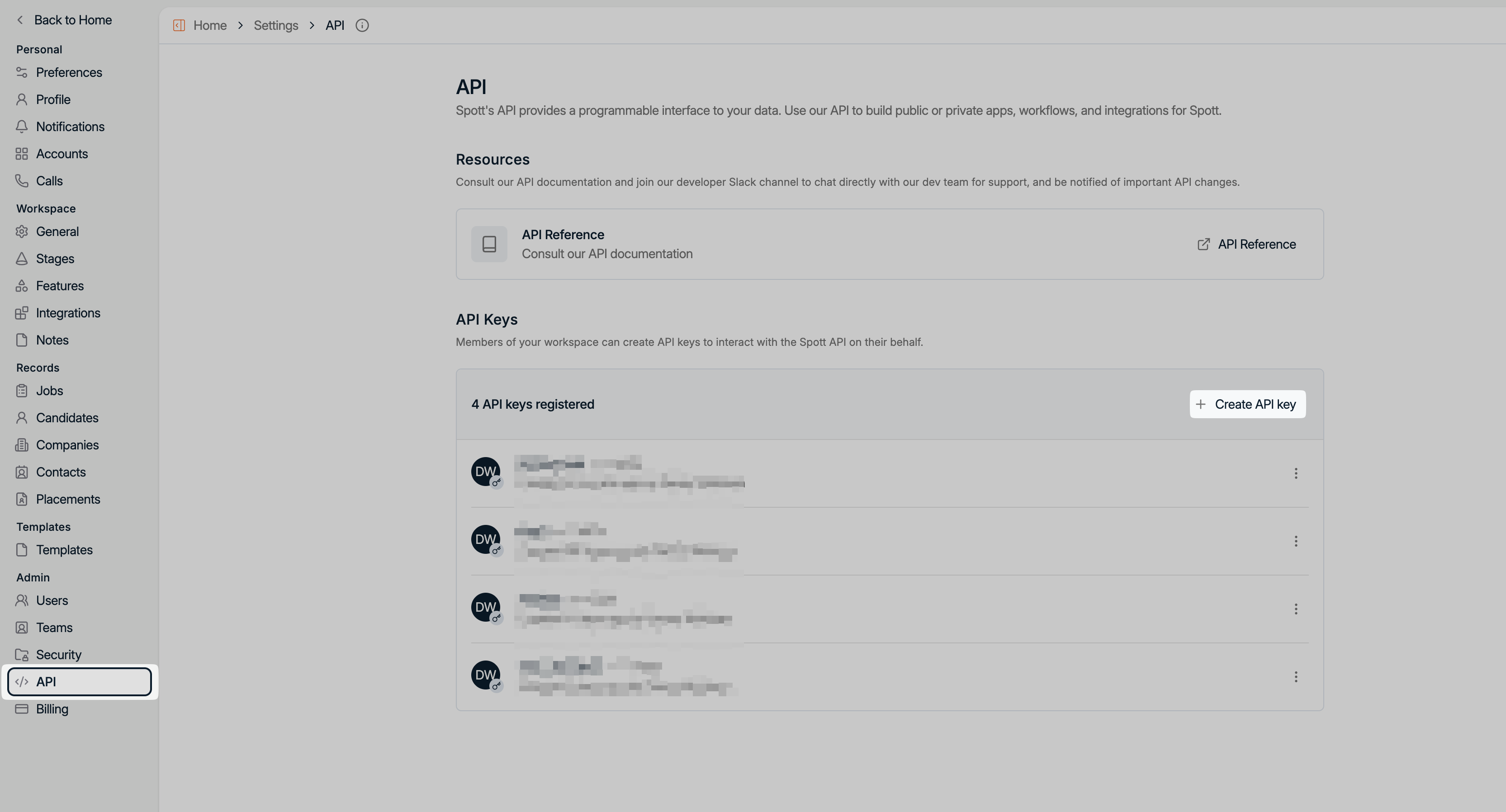
- Click “API” in the bottom left, then “+ Create API Key”
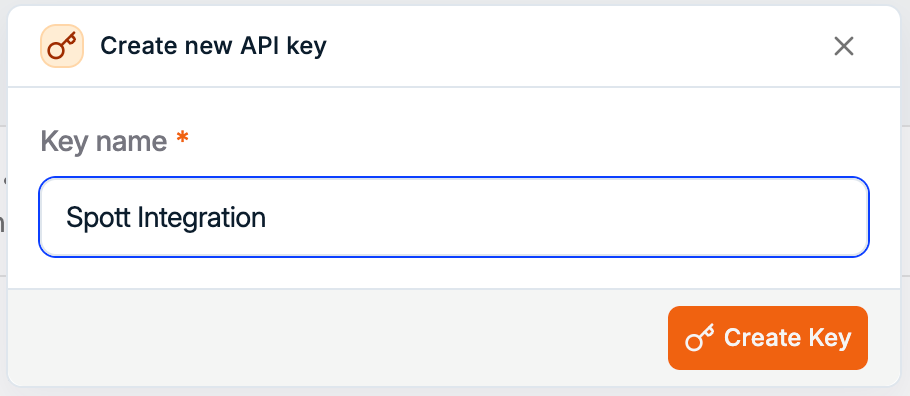
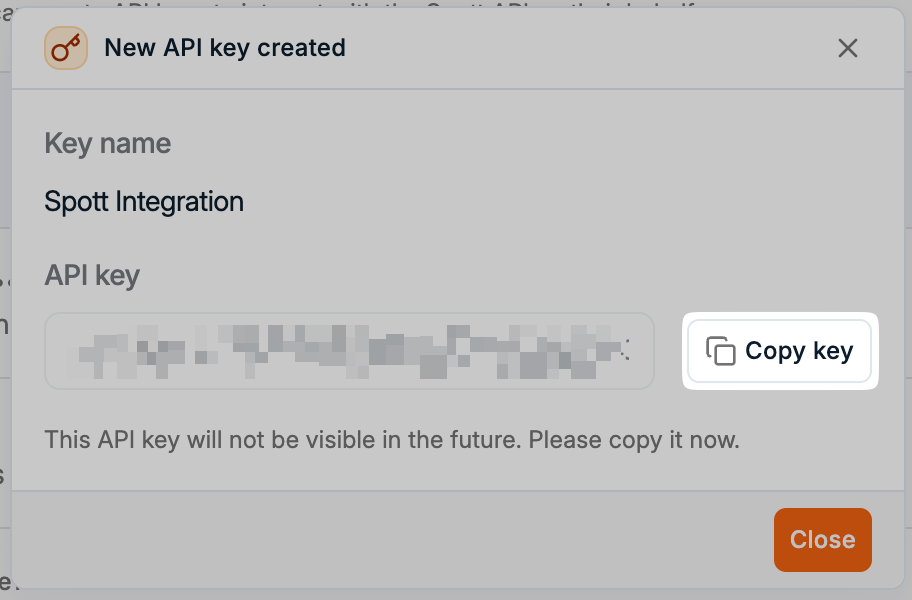
- Give the API key a name, then click “Create Key”
- Click “Copy key”
- Paste the API key into the connection flow


